A safe online QuickBooks bookkeeper never needs your password. They sign in with their own account login, you stay the primary admin, and two-step verification protects every account before they categorize a single transaction. You approve each payment. You also put the security terms in writing on day one.
The best remote outsourced QuickBooks bookkeeping services online make access, security, and financial clarity easier from the start. These providers use proper user permissions instead of shared passwords, guide clients through a secure setup, and help keep the books accurate while ensuring full control of the account remains with the business owner.
TL;DR Quick Answers
Best Remote Outsourced QuickBooks Bookkeeping Services Online
The best remote outsourced QuickBooks bookkeeping services keep your books accurate without ever needing your password. Judge providers on how they handle access first and on price second. Look for these:
Own login. Connects through a QuickBooks Online accountant user invite.
You stay in control. The owner keeps the primary admin role and approves every payment.
Locked-down data. Encrypted cloud tools, strict access controls, audit trails, and two-step verification.
Two sets of eyes. A second team member reviews each monthly close.
CPA coordination. Work directly with your tax professional.
No surprises. Written scope and fixed pricing. Accountix bookkeeping, for example, starts at $200 per week.
Top Takeaways
Invite your bookkeeper as an accountant user, and keep your password private.
As the owner, hold the primary admin role and sign off on every payment.
Turn on two-step verification for every login tied to your books.
Judge bookkeeping providers first by how they handle access, then weigh price.
Remove access the day an engagement ends, and keep a short log of who had it.
Why Does Security Matter So Much When You Outsource QuickBooks Bookkeeping?
Your remote bookkeeper sees your bank feeds, vendor records, payroll, and client payments. That view is what lets them keep your bookkeeping current and accurate, and it's the reason the setup deserves an hour of your time.
Small businesses rarely lose money because a hacker cracked QuickBooks. A shared password or one convincing email usually does the damage. In a business email compromise scam, a fraudster poses as a vendor or as you and asks the bookkeeper to change bank details or rush a payment. If one person can read that request and also send the money, the fraudster only needs to fool that one person once.
A secure setup closes most of that gap. It protects your bookkeeper as much as it protects you.
The Safest Setup: 6 Safeguards to Put in Place Before Day One
We put all six in place with every new client before any work starts.
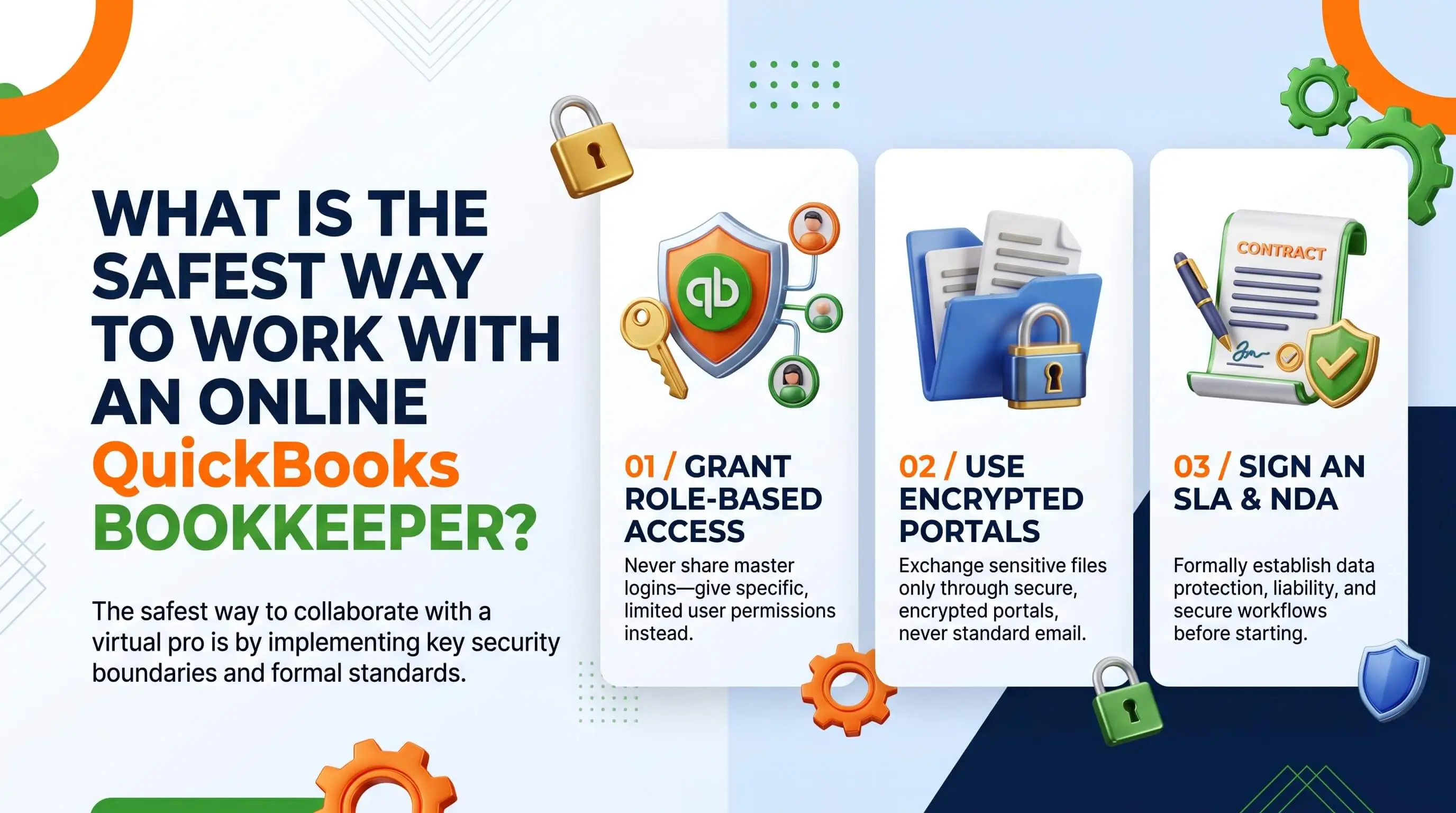
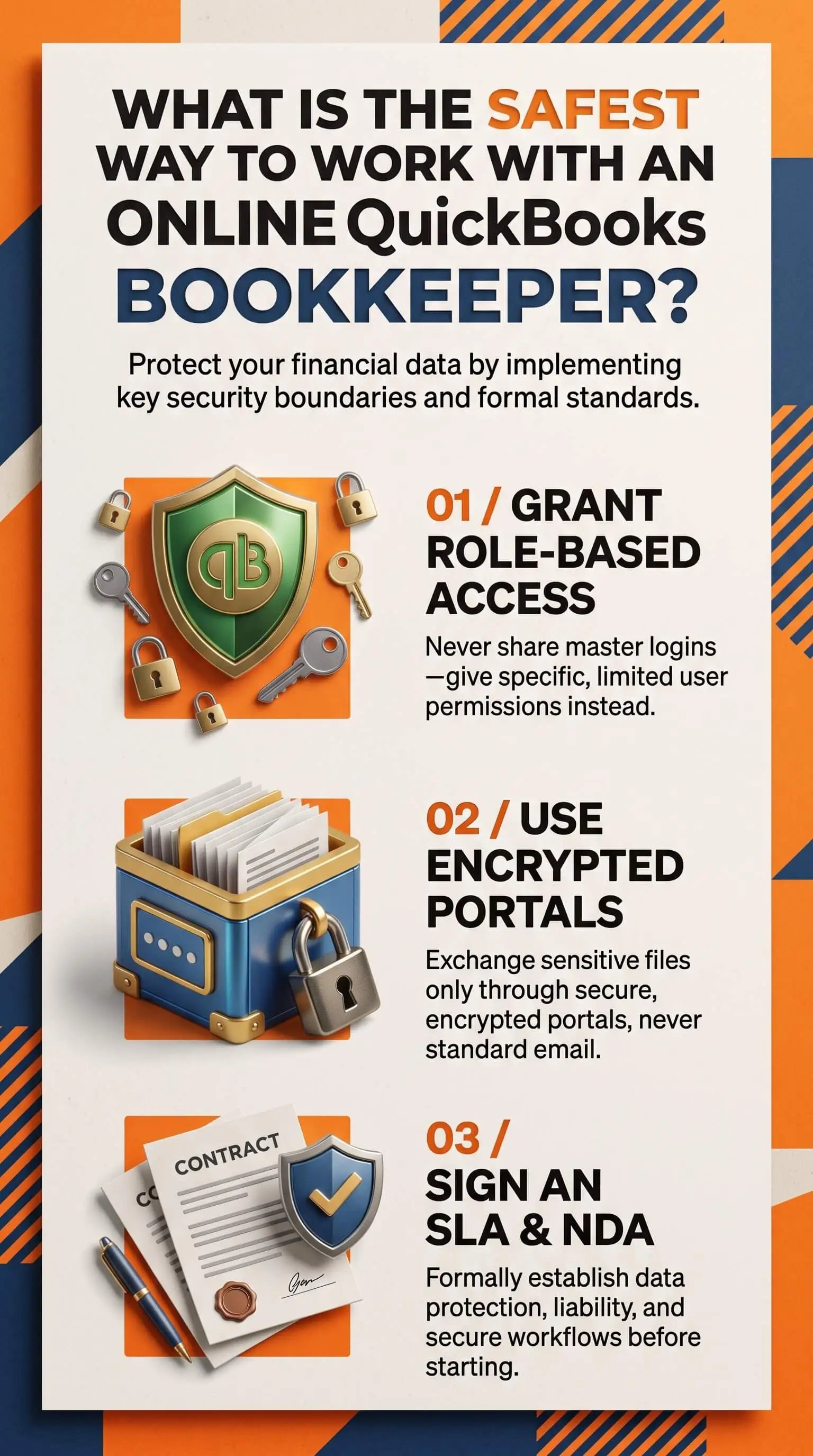
Invite your bookkeeper as an accountant user. In QuickBooks Online, open Settings, then Manage users, then the Accounting Firms tab, and send the invite. Your bookkeeper links their own login to your file, and accountant users don't count toward your plan's user limit.
Keep the primary admin role. Only a primary or company admin can invite accountants or change access. The owner should hold that control.
Turn on two-step verification everywhere. That means your login, your bookkeeper's login, and every banking or payment app connected to your books.
Split preparing from approving. Your bookkeeper enters bills and schedules payments, and you or a manager you trust approves them. BILL and Ramp both make that split easy to enforce.
Share documents through a secure portal. Keep bank statements and tax forms in a permission-based portal or shared drive rather than email attachments.
Track access and close it out cleanly. Log who you gave access to and when. When an engagement ends, remove that access from the Accounting Firms tab the same day.
Intuit updates plan details from time to time, including how many accountant users each plan allows. Check its current help pages when you set things up.
How to Vet the Best Remote Outsourced QuickBooks Bookkeeping Services Online
Price matters, and so does turnaround. Still, when you compare the best remote outsourced QuickBooks bookkeeping services online, bring up security in the first conversation. Ask every provider the same questions.
Do your bookkeepers work in QuickBooks every day, and does anyone on the team hold QuickBooks ProAdvisor certification?
Will you connect through an accountant user invite, or do you need my login?
How do you protect my data? Listen for encrypted cloud tools, strict access controls, audit trails, and two-step verification.
Does a second person on your team review the monthly work?
Will you coordinate directly with my CPA or tax preparer?
Will you put the scope in writing with fixed pricing?
Can you share case studies or client references?
Their answers sort strong providers from risky ones fast. Here's what to listen for.
Access: Strong providers connect through an accountant user invite. A provider who asks for your username and password has already told you enough.
Admin rights: You keep the primary admin role. Be cautious with anyone who wants it "to save time."
Payments: Good bookkeepers prepare payments and wait for your approval. Question anyone who wants to send money on their own.
Documents: Expect a secure portal. A request to email bank statements should give you pause.
Review: Look for a team that checks each month's work. One person working alone leaves gaps nobody catches.
Agreement: Reliable providers write down the scope and security terms. A handshake and vague deliverables won't protect you.
What Red Flags Signal an Unsafe Bookkeeping Arrangement?
Most unsafe arrangements reveal themselves in the first week. Walk away from any provider who asks for your password, pushes for admin rights, or wants to move money without your sign-off. Keep looking, too, if they can't name the people who will handle your file or keep delaying a written agreement.
Watch for impatience. A proper access setup takes a few extra minutes, and a bookkeeper who treats that as a hassle will likely cut corners elsewhere.
What Should Los Angeles Marketing Agencies Watch Closely?
Agency books have more moving parts than most. You may juggle client retainers, pass-through ad spend, freelancer invoices, and 1099 contractors while revenue arrives through Stripe or PayPal. Each connection is one more door to keep locked.
Payment approval matters most for agencies. Contractor invoices and "updated" bank details land in your inbox every week, and fraudsters hide easily in that volume. One house rule closes most of the gap. Confirm any change to payment details by phone, using a number you already have on file.
For the wider financial picture, including profitability by client and cash flow around campaign cycles, read our guide to creative services accounting solutions for Los Angeles marketing agencies.
"Most of the messy setups we inherit trace back to how the last bookkeeper got into the file. We've taken on clients whose previous bookkeeper signed in with the owner's password for years, so nobody could say who entered what. Now we start every engagement the same way. We connect through our own account login, the owner keeps admin rights and approves each payment, and a second person on our team reviews every monthly close. So when a vendor's bank details suddenly change, two of us see it before any money moves."
7 Essential Resources
We send clients to these guides when they set up access or check a provider's practices.
Intuit: Invite Accountant Users. Intuit's own walkthrough for inviting a bookkeeper from the Accounting Firms tab.
Intuit: Add and Manage Your Accounting Team. Shows how a bookkeeping firm decides which of its people can open your file. Read it before you ask a provider who'll handle your books.
FTC: Cybersecurity for Small Business. Practical basics from the FTC, including how to check a vendor's security before you sign.
CISA: Require Multifactor Authentication. CISA explains why a password alone falls short and which verification methods hold up best.
IRS Publication 4557, Safeguarding Taxpayer Data. The IRS standard for protecting tax and financial records, and a useful yardstick for how seriously a bookkeeper treats your data.
SBA: Strengthen Your Cybersecurity. The SBA recommends regular access audits so former staff and vendors lose their logins.
FBI IC3 2025 Annual Report. The FBI's yearly figures on business email compromise and payment fraud, with real case examples.
An outsourced accounting firm for e-commerce businesses should follow secure access practices, use multifactor authentication, regularly review user permissions, and protect financial data according to trusted guidance from Intuit, CISA, the FTC, IRS, SBA, and FBI.
3 Statistics
Business email compromise cost U.S. victims $3.05 billion in 2025. The FBI IC3 2025 Annual Report ranks it second only to investment fraud in reported losses.
For your business, fake payment requests pose a bigger threat than hacked software. When the owner approves every payment, most of these scams run out of road.
Reported cybercrime losses climbed to about $20.9 billion in 2025, a 26% jump over 2024 (FBI IC3 2025 Annual Report).
The numbers keep rising. Setting up access properly today costs far less than untangling a loss later.
63% of organizations dealt with business email compromise in the prior year, according to the AFP 2025 Payments Fraud and Control Survey as reported by Nacha. [VERIFY]
That's most businesses. Plan on someone trying it with yours, and build a process that catches it.
Final Thoughts and Opinion
After years of cleaning up other people's books, we hold a firm view. Bookkeeping security breaks down on process far more often than on technology. QuickBooks Online already gives you a safe way to share access, and it protects you only when you actually use it.
Outsourcing should leave you with more control over your finances. So if a provider resists using their own login or leaving the admin role with you, keep looking. The same goes for any firm that skips a second review of the monthly work.
There's a payoff beyond safety. Once you trust your numbers, decisions about pricing and hiring get easier. If growth is on your mind, our look at whether marketing companies are profitable makes a good next read.
Frequently Asked Questions
Is it safe to give a bookkeeper access to QuickBooks Online?
Yes, when you set it up the right way. Invite them from the Accounting Firms tab so they sign in with their own login, and turn on two-step verification. Keep admin rights and payment approval with the owner. With those pieces in place, your online bookkeeper can keep your books current without putting your money at risk.
Should I share my QuickBooks login with my online bookkeeper?
No. Your login gives full control of the account. Share it, and you lose any record of who made which change. QuickBooks Online includes an accountant user role built for exactly this, and any reputable bookkeeper will ask you for that invite rather than your password.
What can an accountant user see and do in QuickBooks Online?
An accountant user can review and enter transactions, fix errors, reconcile accounts, and run reports, which covers everything a bookkeeper needs to do. You should still hold the primary admin role and approve payments yourself. That way, money moves only when you say so.
How do I remove a bookkeeper's access to QuickBooks?
Sign in as the primary or company admin. Open Settings, then Manage users, then the Accounting Firms tab, find the firm or bookkeeper, and remove them. Do it the same day the engagement ends, and update any connected banking or payment apps while you're there.
What should I look for in remote outsourced QuickBooks bookkeeping services?
Start with daily QuickBooks experience, a written scope, and fixed pricing. Then ask how the provider protects your data, especially if your business also works with ethnic marketing companies or other outside partners. Good answers mention encrypted cloud tools, strict access controls, audit trails, two-step verification, and a second reviewer on monthly work. A provider who coordinates with your CPA and can show client results usually makes the safer choice.
How much do outsourced QuickBooks bookkeeping services cost?
Your cost depends on transaction volume, the number of accounts, and whether your books need catch-up work first. Most providers charge a flat weekly or monthly fee. Accountix bookkeeping, for example, starts at $200 per week, and Accountix tailors the final scope to each business. Get the price in writing before any work begins.
Clear Books, With Access You Control
Wondering whether your current setup would hold up? Book a 30-minute intro call with Accountix, one of the best outsourced business and financial accounting firms for businesses seeking clearer financial oversight. We'll review how your books run today and show you where to tighten access. No sales pitch. Just clarity, and bookkeeping you can trust every month.